







 Reading time: 5 minutes
Creating a productive and organized workspace at home is no longer a luxury—it’s a necessity for countless professionals navigating the remote work landscape. But how does one transform a corner of their living space into a hub of efficiency and creativity? The answer lies in smart, intentional home office setups. Imagine boosting your productivity by 30% just by tweaking a few elements in your workspace—sounds enticing, doesn’t it? Dive into our guide to uncover 10 innovative ideas that can turn your home office into a powerhouse of productivity.
The Importance of Ergonomics
A well-designed workspace isn’t just about aesthetics; it’s about functionality and comfort. Ergonomics play a crucial role in preventing repetitive strain injuries and enhancing productivity. When setting up your home office, consider investing in an ergonomic chair and desk. Adjust the chair so your feet rest flat on the ground, and keep your computer monitor at eye level to avoid neck strain. Creating a comfortable environment can significantly impact how well you work.
| Item | Feature | Benefit |
|---|---|---|
| Chair | Adjustable Height | Prevents Back Pain |
| Desk | Standing Option | Increases Energy |
| Monitor | Eye Level | Reduces Neck Strain |
| Keyboard | Ergonomic Design | Comfortable Typing |
Lighting: The Game Changer
Poor lighting can lead to eye strain, headaches, and reduced focus. Natural light is ideal, so position your desk near a window if possible. If not, consider adjustable LED lamps that simulate natural daylight. Lighting is integral to how you feel and work, setting the mood and even influencing your circadian rhythms.
“A room without proper lighting is like a life without direction; it lacks clarity and focus.” — Unknown
Organization Tips for an Efficient Workspace
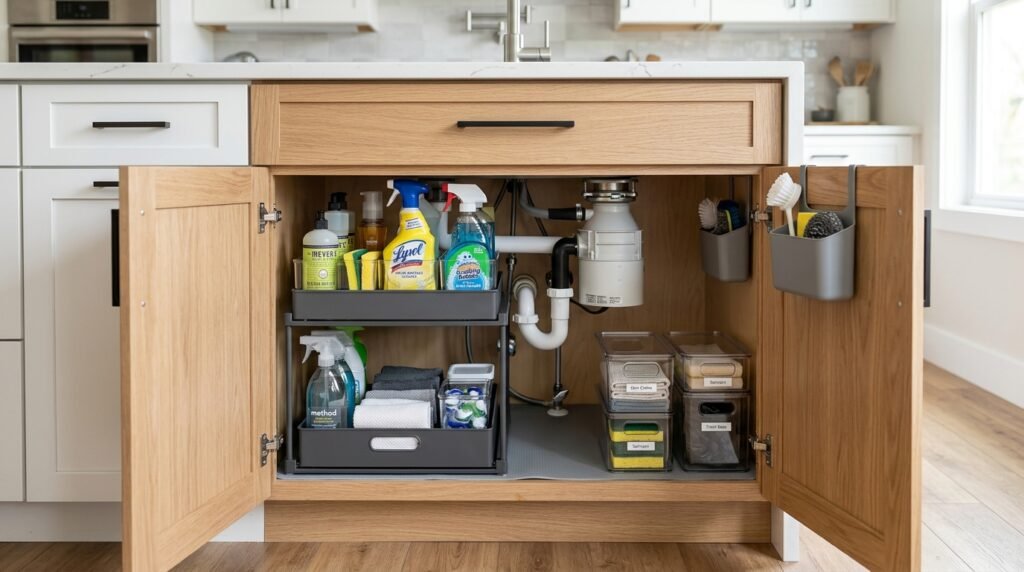
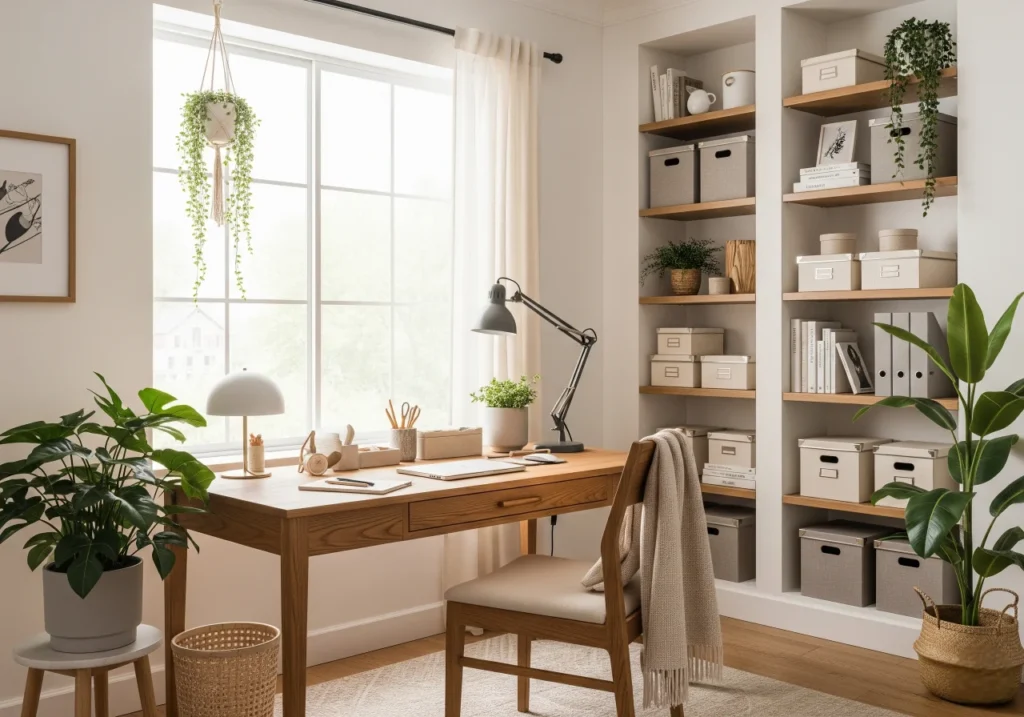
Clutter is the enemy of productivity. Implementing a few organization strategies can help maintain a tidy and efficient workspace. Start by using vertical storage solutions—shelves, wall-mounted files, and pegboards can free up desk space and keep essentials within reach. Cable management systems can also prevent tangled cords from turning into a nightmare.
Choosing the Right Technology
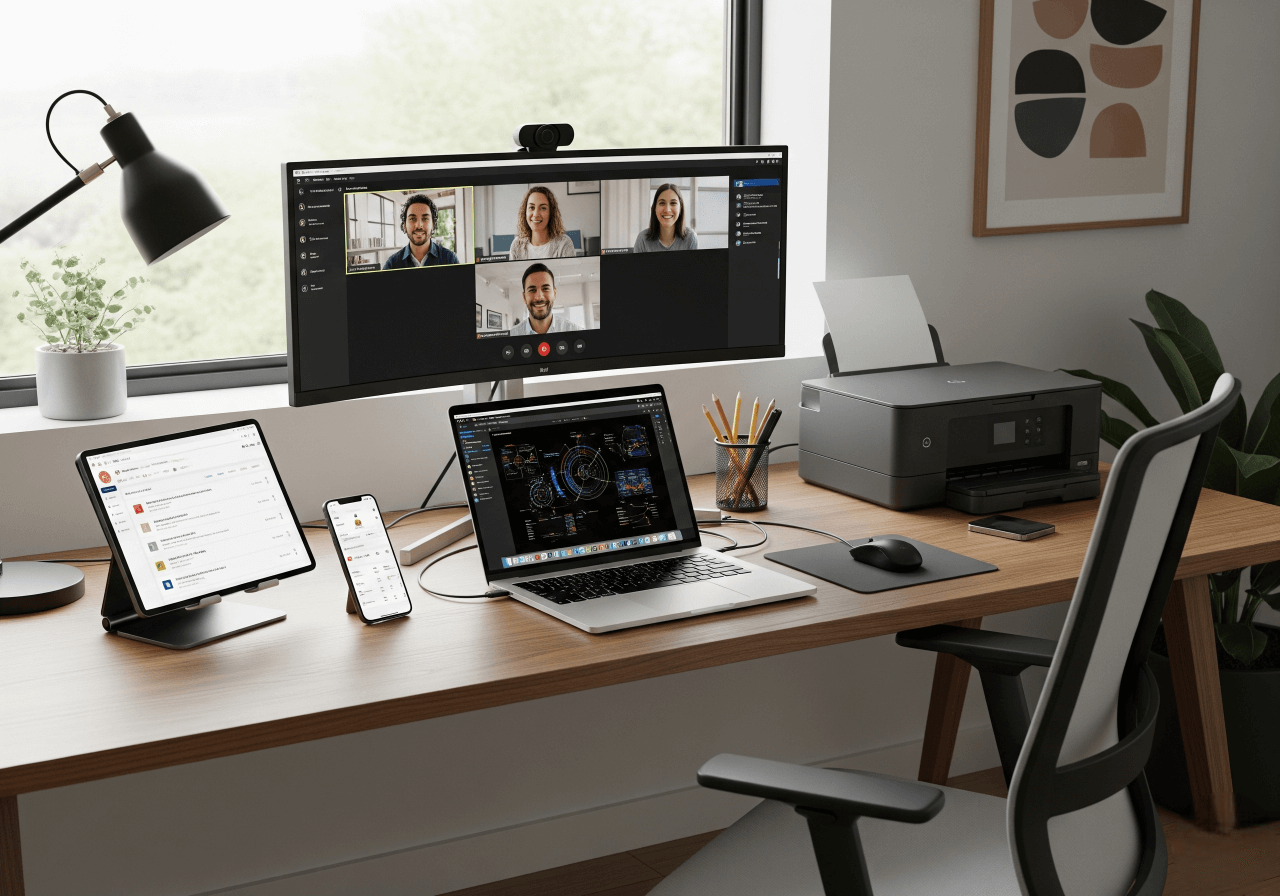
Modern home offices demand the latest technology for seamless operations. Investing in a high-speed internet connection, a reliable computer, and printer can be a game-changer. Don’t forget about software solutions that enhance productivity, such as task management apps and collaboration tools. Technology is no longer just a support system; it’s the backbone of your remote work experience.
The Power of Personalization
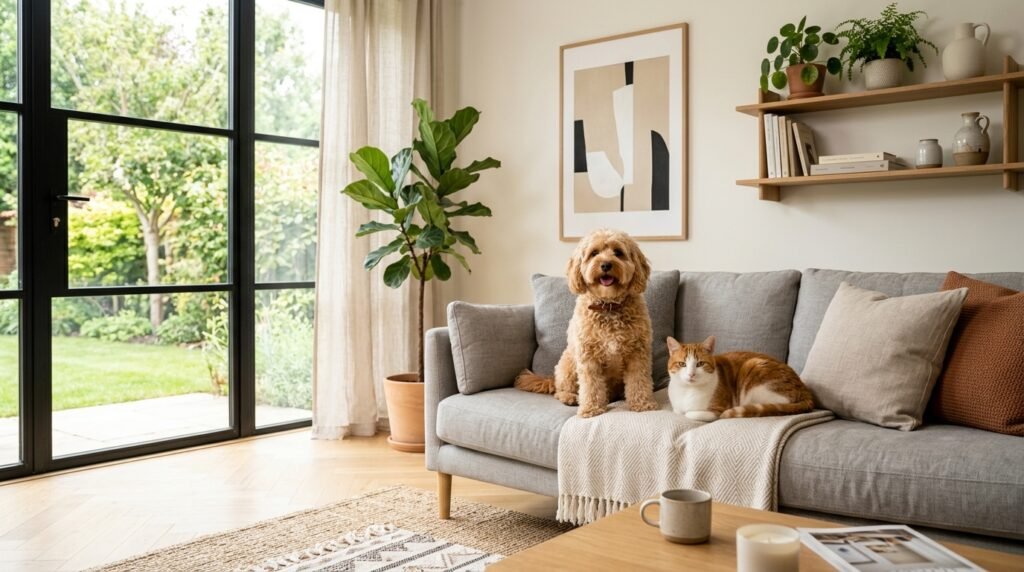
Your workspace should inspire you. Personalization is key to creating an environment that fits your style and boosts your morale. Whether it’s adding plants for a touch of nature, incorporating artwork, or displaying photos, these elements can make your office a more inviting place to be. When you personalize your space, you’re more likely to feel connected to it, increasing satisfaction and, consequently, productivity.
1. Introduce plants to improve air quality.
2. Personalize with artwork that inspires.
3. Use colors that promote focus and calmness.
4. Add a vision board for motivation.
Acoustic Considerations
A bustling household or neighborhood can quickly become a distraction. Soundproofing your office or using noise-canceling headphones can minimize auditory disruptions. Consider adding soft furnishings like curtains and rugs to absorb sounds. A quieter environment aids focus and allows for undisturbed work sessions.
Multi-Functional Spaces for Versatility
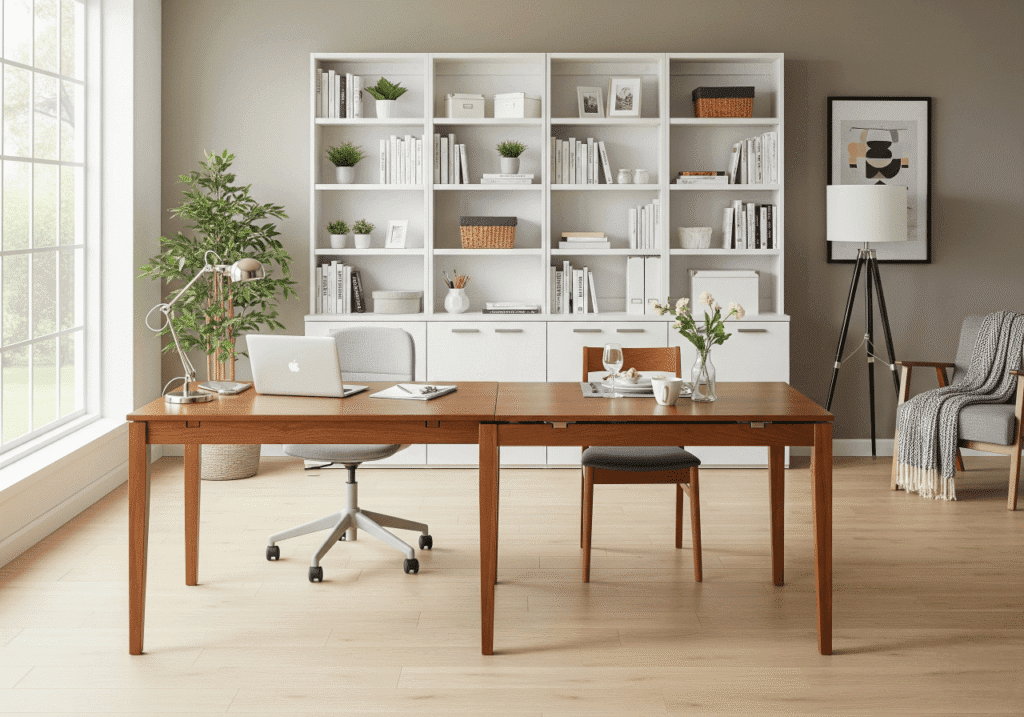
For those with limited space, versatility is key. Opt for furniture that serves dual purposes, such as a desk that converts to a dining table or a bookshelf that doubles as storage. A multi-functional room can adapt to your needs throughout the day, maximizing the use of available space.
Sustainability Practices in Your Office
Incorporating sustainability into your workspace not only helps the environment but can also enhance your sense of well-being. Opt for energy-efficient lighting and recycled materials for furniture. Being conscious of your carbon footprint while setting up your home office can lead to a more eco-friendly lifestyle.
Creating Balance: Work-Life Harmony
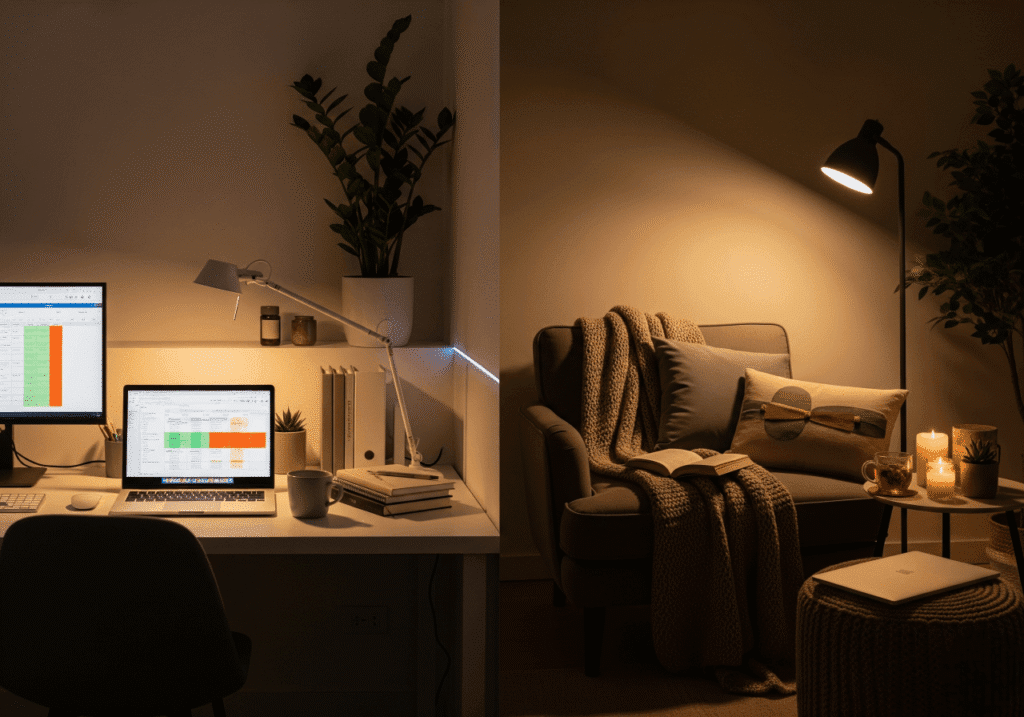
One of the biggest challenges of working from home is maintaining a work-life balance. Structuring your day by scheduling breaks, maintaining regular hours, and setting boundaries can help mitigate the risk of burnout. Having a door to close at the end of the day, figuratively or literally, can help distinguish work from personal life.
FAQ – Common questions
How can I improve my focus while working from home?
To enhance focus, minimize distractions by creating a designated workspace and using noise-canceling technology.
What are the benefits of using ergonomic furniture?
Ergonomic furniture reduces the risk of strain and injury, leading to increased comfort and productivity.
Why is natural light important in a home office?
Natural light reduces eye strain and boosts mood, making work more enjoyable and productive.
How do plants affect my workspace?
Plants improve air quality and add a calming aesthetic to your workspace, which can enhance your overall well-being.
What technology is essential for a home office?
High-speed internet, a reliable computer, and collaboration software are crucial for efficient remote work.
 Crafting a productive and organized workspace at home is a journey that begins with understanding your unique needs and preferences. By investing in the right ergonomic furniture, ensuring optimal lighting, organizing meticulously, and choosing appropriate technology, you can transform any space into an efficient home office. Personalization and sustainability further enhance your work environment, promoting not just productivity but also well-being. As remote work continues to be a major part of the professional landscape, these smart home office setup ideas offer the tools and inspiration needed to thrive in this new world.
 More Ideas to Boost Your Workspace:
 Small Home Office Ideas: Smart Setups to Maximize Tiny Spaces
Get inspired by space-saving setups that make even the smallest home offices work smarter.
Desk Cable Management: Smart Solutions for a Clean and Safe Workspace
Simplify your setup with easy cable solutions that boost safety and style.
Home Office Organization Ideas: How to Create a Productive and Clutter-Free Workspace
Turn chaos into calm with smart organizing strategies tailored for productivity.