







Building your first smart home can feel like standing in front of a giant control panel full of blinking buttons and no instruction manual. Will you waste money on gadgets that never speak to each other? Should you buy the voice assistant first or improve your Wi-Fi? In this 2 000-word tutorial, inspired by Gui Casa Inteligente’s viral video “6 Dicas – How to Start Your Smart Home Right from the Beginning”, we’ll turn that confusion into confidence.
You’ll discover the six strategic decisions that separate random gadget shopping from a genuinely helpful, automated home. Every section contains real-world examples, hands-on mini projects, and budget estimates so you can progress from absolute beginner to proud smart-home owner without breaking the bank or tearing down walls.
What you’ll achieve: By the end of this guide you will have chosen an ecosystem, strengthened your network, installed your first smart bulbs and switches, breathed new life into “dumb” devices with an IR blaster, and created automations that actually make life easier instead of more complicated.
Link: 6 DICAS – Como COMEÇAR CORRETAMENTE sua Casa Inteligente desde o Início
1. Lay the Groundwork: Know What a Smart Home Really Is
1.1 Definition and Scope
A smart home is a residence where appliances, lighting, HVAC, security cameras, and entertainment devices communicate with each other and with you through local or cloud networks. The keyword is automation. If a gadget still requires you to press a button every time, it’s merely remote controlled—not truly smart.
1.2 Why Beginners Fail
Most newcomers jump straight to flashy RGB bulbs and end up with five different apps and zero synergy. Gui’s first hidden gem is the importance of planning: see your house as an ecosystem instead of a pile of gadgets.
1.3 Mini Project: Map Your Daily Routines
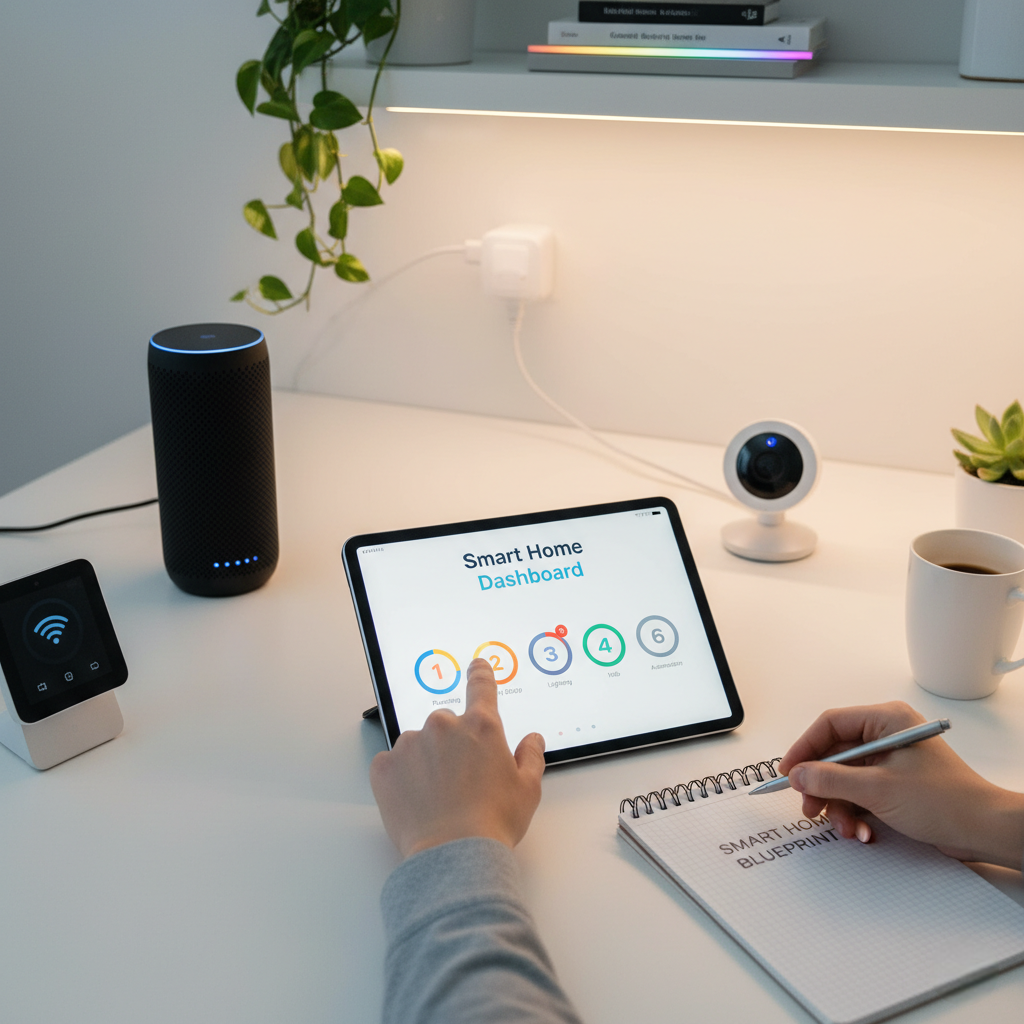
Grab a notepad and jot down repetitive actions you perform at home—turning off lights, adjusting the fan, or checking if the garage door is closed. These pain points will guide your purchasing decisions later.
Highlight: A good smart home removes frictions you barely notice today. If an “automation” requires more taps than the original switch, rethink it.
2. Choose Your Command Center: Ecosystem First, Devices Second
2.1 The Big Three Voice Platforms
Gui’s second tip is crystal clear: pick an ecosystem—Amazon Alexa, Google Home, or Apple HomeKit—before buying anything else. This central brain determines compatibility, routines, and future expandability.
2.2 Comparison Table
| Feature | Amazon Alexa | Google Home | Apple HomeKit |
|---|---|---|---|
| Entry Cost | Echo Dot ≈ US$30 | Nest Mini ≈ US$29 | HomePod Mini ≈ US$99 |
| Device Catalog | 90 000+ | 60 000+ | 15 000+ |
| Local Control Options | Yes (Zigbee on Echo 4) | Limited | Excellent (Thread & Matter) |
| App Interface | Alexa App | Google Home App | Apple Home |
| Multi-Language Support | Wide | Wide | Moderate |
| Privacy Stance | Standard | Standard | Strict |
| Automation Depth | Advanced Routines | Powerful but UI-limited | Scenes & Shortcuts |
2.3 Practical Example
Maria chose Alexa because she already owned a Fire TV Stick. Adding an Echo Dot allowed her to turn on the TV with voice commands and later expand to lights without changing the app.
2.4 Pro Tip
Tip: Buy the newest voice assistant model that fits your budget. Newer generations often include additional radios like Zigbee or Thread, saving you a hub purchase down the line.
3. Strengthen Your Backbone: Networking and Protocols
3.1 Wi-Fi is King but Not Alone
Your home Wi-Fi is the blood vessel of every cloud-dependent device. A congested, outdated router will sabotage even the fanciest gadgets. Upgrade to at least Wi-Fi 5 (802.11ac) or consider a mesh system if your house spans more than 150 m².
3.2 Zigbee, Z-Wave, Bluetooth & Matter
Not all devices communicate over Wi-Fi. Zigbee and Z-Wave create low-power, self-healing mesh networks ideal for sensors. Matter, launched in 2023, aims to unify them. Understanding these protocols prevents incompatible purchases.
3.3 Comparative Snapshot
| Protocol | Best Use | Hub Required? |
|---|---|---|
| Wi-Fi | Cameras, plugs | No |
| Zigbee | Sensors, bulbs | Often |
| Z-Wave | Locks, security | Yes |
| Bluetooth LE | Proximity tags | Sometimes |
| Matter | Cross-brand future | Border router |
3.4 Real-Life Fix: Router Placement
Gui suggests placing the router in a central, elevated spot away from microwaves or thick concrete walls. A simple relocation improved his latency by 20 % without spending a dime.
3.5 Seven-Step Quick Network Check
- Run an internet speed test beside the router.
- Run the same test in the farthest room.
- If speed drops below 50 %, consider a mesh node.
- Update router firmware.
- Rename 2.4 GHz and 5 GHz SSIDs differently.
- Assign fixed IPs to cameras to avoid DHCP chaos.
- Change default admin password—security first.
4. Start Small, Think Big: Lighting as Your First Project
4.1 Bulb vs. Switch Dilemma
Gui’s fourth tip is to begin with lighting because the payoff is immediate and visible. For single-bulb fixtures, a smart bulb (RGB or white-tunable) is cost-effective. In rooms with multiple bulbs controlled by one switch, a smart wall switch or relay is cheaper than buying six separate bulbs.
4.2 Practical Example: Bedroom Upgrade
Pedro installed an RGB Wi-Fi bulb in his bedside lamp for US$8. Through the Smart Life app he set a sunrise routine, fading from 1 % warm white to 100 % cool white over 15 minutes—no more jarring alarms.
4.3 Installation Steps
- Cut power at the breaker.
- Remove existing switch faceplate.
- Identify Line and Load wires using a tester.
- Connect the smart switch following the diagram.
- Restore power, pair via app, rename (“Bedroom Lights”).
- Create a voice routine: “Alexa, good night” → off.
4.4 Cost Breakdown Table
| Component | Unit Price | Quantity | Total |
|---|---|---|---|
| Smart RGB Bulb | US$8 | 2 | US$16 |
| Wi-Fi Switch | US$14 | 1 | US$14 |
| Voice Assistant (Echo Dot) | US$30 | 1 | US$30 |
| Grand Total | US$60 |
Reminder: Keep the physical wall switch ON when using smart bulbs; cutting power removes remote control capability.
5. Make Dumb Devices Brilliant: The Power of IR Blasters
5.1 What Is an IR Blaster?
An infrared blaster (e.g., BroadLink RM4, Tuya IR) copies the remote codes of TVs, air conditioners, fans, and even older sound systems. Once copied, you can trigger those commands by voice or schedule.
5.2 Sample Automation
When the living-room temperature exceeds 27 °C, the smart sensor notifies Alexa, which triggers the IR blaster to set the AC to 23 °C and turn on the ceiling fan. Energy saved, sweat avoided.
5.3 Step-by-Step Pairing
- Plug the IR blaster within line-of-sight of the target device.
- Connect it to 2.4 GHz Wi-Fi via manufacturer app.
- Select “Add Remote” → choose device type → brand.
- Test on/off command; if it works, save.
- Link the account to your voice assistant.
- Create routine: “Movie Time” → lights dim 30 %, TV on, AC 25 °C.
5.4 Cost vs. Benefit
For roughly US$12, you modernize every infrared appliance at once—far cheaper than replacing each with smart counterparts.
“Infrared control is the Swiss army knife of entry-level home automation; one puck can delay hundreds of dollars in upgrades.”
– Dr. Ana Souza, IoT Researcher
6. Automate Intelligently: Scenes, Routines, and Good Practices
6.1 Event-Driven vs. Schedule-Driven
Gui notes that beginners often rely only on schedules (e.g., lights at 18:00). Smarter automation responds to events: presence detection, temperature changes, or sunrise/sunset based on geolocation.
6.2 Create Your First Complex Routine
Goal: Arrive home after 18:00, hallway lights on, air purifier start, favorite playlist on Echo Show.
- Trigger: Phone disconnects from car Bluetooth + door sensor opens.
- Conditions: Time after 18:00 and luminosity sensor < 100 lux.
- Actions: Hallway switch ON → Set brightness 60 %. IR blaster turns TV to HDMI 1. Echo plays Spotify “Chill” playlist.
6.3 Avoiding Common Pitfalls
- Over-automation: Too many triggers overwhelms family members.
- Fail-safe: Always include a manual override command.
- Cloud dependency: Critical routines (e.g., security) should run locally whenever possible.
- Naming convention: Use clear names (“Kitchen Light”) not generic (“Switch #4”).
- Documentation: Keep a shared Google Doc with wiring diagrams and admin passwords.
6.4 Security Checklist (7 items)
- Enable two-factor authentication on ecosystem accounts.
- Change default device passwords immediately.
- Segment IoT devices on a guest VLAN if router supports it.
- Update firmware quarterly.
- Disable unused skills or third-party services.
- Review voice assistant purchase permissions.
- Back up configuration files before factory resets.
7. Budgeting, Scaling, and Future-Proofing
7.1 The 70/20/10 Rule
Allocate 70 % of your smart home budget to universally useful devices (switches, plugs, sensors), 20 % to luxuries (RGB strips, smart curtains), and reserve 10 % for experimental tech like Matter devices.
7.2 Iterative Expansion Roadmap
Start with a single room, stabilize it, then replicate the template. Gui recommends waiting four weeks between stages to monitor reliability.
7.3 Upgrading to Hubs and Controllers
When your device count exceeds 25, consider adding a dedicated hub (Home Assistant, Hubitat) for faster local automations, complex logic, and vendor independence.
7.4 Case Study: Elisa’s Two-Year Journey
Year 1: Echo Dot + four bulbs + one IR blaster (US$80). Year 2: Zigbee hub + 12 sensors + smart lock (additional US$250). Net result: 15 % reduction in electricity bills and 30 minutes saved daily on routine tasks.
Highlight: Whether you spend US$100 or US$1 000, insist on products that carry the “Matter ready” badge; it’s your insurance against fragmentation.
Frequently Asked Questions
1. Can I build a smart home without a voice assistant?
Yes, apps alone work, but you lose hands-free convenience and some automation features. A basic speaker like Echo Pop (~US$20 on sale) is a worthwhile upgrade.
2. Do smart devices increase my electricity bill?
Standby consumption is minimal (0.3-1 W). Proper automations usually offset this by turning devices off when not needed, leading to net savings.
3. Are smart switches compatible with two-way (three-way) circuits?
Many Wi-Fi and Zigbee switches support multi-way wiring, but you may need an additional slave module. Always read the datasheet and, if unsure, consult an electrician.
4. How secure are cloud-based automations?
Major platforms encrypt data, but no system is bulletproof. Use unique passwords, enable 2FA, and keep firmware updated to minimize risks.
5. What happens during an internet outage?
Wi-Fi devices relying solely on the cloud will lose remote control, but Zigbee/Z-Wave devices paired to a local hub will keep working. Plan critical automations locally.
6. Is professional installation necessary?
For plug-and-play bulbs or plugs, no. For in-wall switches and 220 V wiring, it’s safer to hire a licensed electrician unless you’re confident with electrical work.
7. How many devices can my router handle?
Consumer routers typically support 30-40 simultaneous Wi-Fi clients before performance drops. Upgrading to a mesh system or adding a Zigbee hub offloads traffic.
8. Should I wait for Matter before buying anything?
Matter is promising but still rolling out. Buy current devices that promise a firmware upgrade path. Don’t pause your project indefinitely—many products are already “Matter ready”.
Congratulations! You now possess a structured plan to transform your ordinary house into an efficient smart home. Remember the six pillars:
- Ecosystem choice—Alexa, Google, or Apple
- Network strength—solid Wi-Fi and protocol awareness
- Lighting first—visible impact with minimal cost
- IR blaster magic—upgrade legacy devices instantly
- Intelligent automation—event-driven, secure, documented
- Future-proof scaling—budget wisely, embrace Matter
Start small this weekend: buy a smart light bulb, set up a voice command, and feel the thrill of technology at your service—not the other way around. To deepen your knowledge, it would be interesting to watch tutorials on electrical installation and product reviews.
Your connected, comfortable, and energy-efficient life is just a few clicks away—happy automating!
The smart home is no longer a luxury; it’s a necessity for productivity. In fact, recent reports show that the adoption of the Smart Home Devices market is projected to grow at an annual rate of 23% starting in 2025, reflecting a massive shift in how we interact with our homes [Forbes.com].
Ready to Take the Next Step?
You’ve mastered the core concepts to start your connected house. The secret to success, according to Emma, is immediate, practical action!
Don’t let your blueprint gather dust. Jump straight into the execution phase with our comprehensive guide on Smart Home Automation for Beginners: A Practical Step-by-Step Guide to Building a Seamless Connected House . It’s the essential next step to ensuring your smart home automation is seamless and functional.